
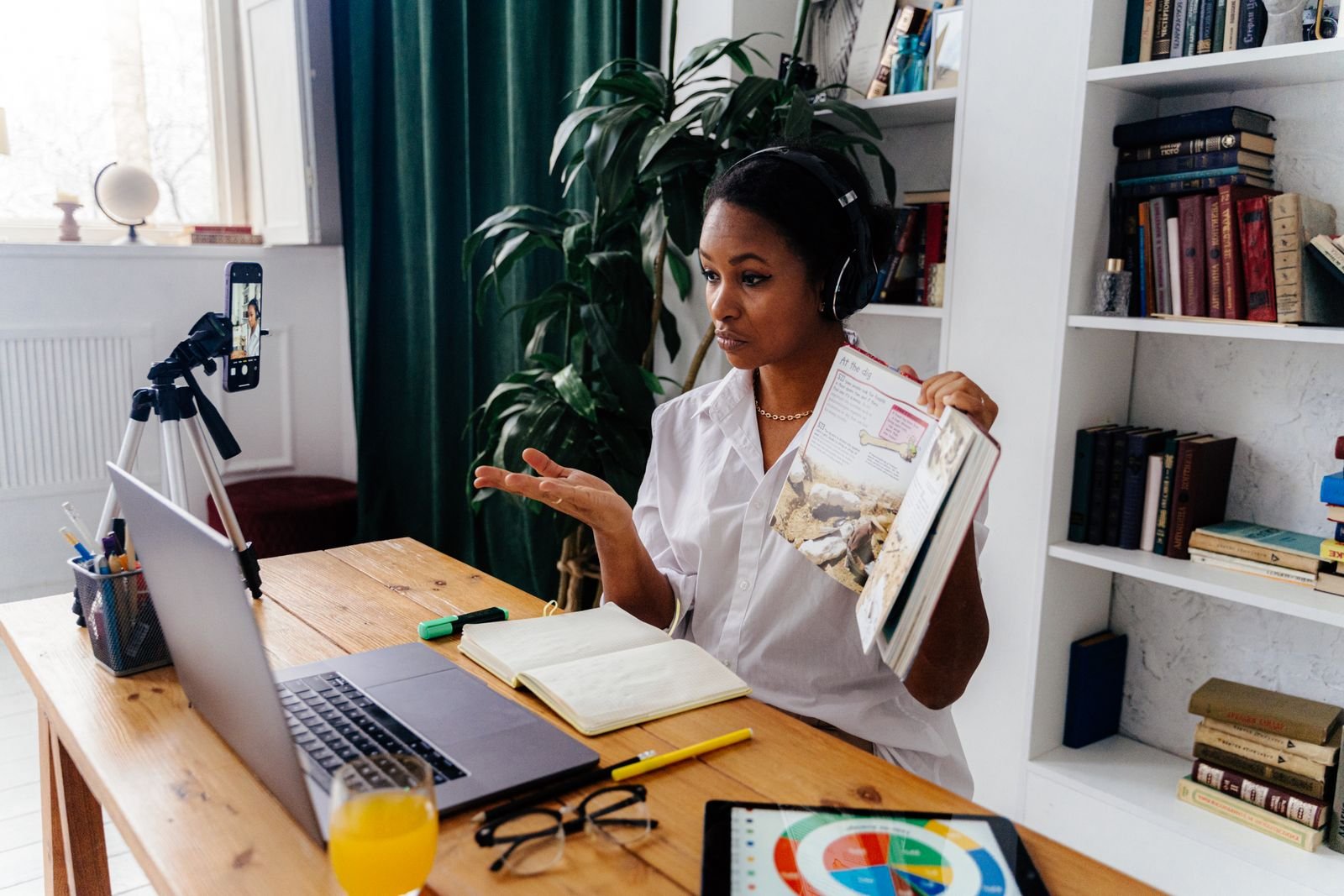
To prepare for an online teaching demo, confirm what the employer wants to see, choose one task the student can complete within the time limit, and plan how you’ll check whether they can do it. For an English teaching interview, that task might be ordering a drink, asking for directions, or making an appointment. A clear model, a short practice activity, and an independent attempt give the interviewer something concrete to observe.
Below you’ll find a 10-minute ESL lesson you can rehearse, ways to adapt it for a shorter slot or a recording, and a checklist for your final run-through.
What to Ask Before You Plan Your Teaching Demo
Find Out Who You’ll Be Teaching
“Prepare a demo lesson” can mean several things. If you’ll teach a real student, plan to respond to their actual answers. If the interviewer will play the student, ask whether they’ll respond in character. You can then prepare a role-play without assuming the interviewer will follow your script.
| Format | What to prepare |
|---|---|
| Live lesson with real students | A short task students can attempt and an easier version if they need support. |
| Live lesson with a mock student | Clear invitations to respond and a plan for silence or an unexpected answer. |
| Recorded demo | A model, an opportunity for the viewer to think, and an explanation of how you would respond to a likely mistake. |
| Lesson plan walkthrough | A brief explanation of why you chose each activity, what students would do, and how you would check learning. |
If the instructions are unclear, ask: “Will I teach a real student, teach someone playing the role of a student, record a lesson, or walk you through my plan?”
Confirm the Time Limit, Student Level, and Materials
Check the age and level of the learner, the exact teaching time, and whether you must use a particular slide deck or topic. Ask whether setup and introductions count toward the time limit. For a live demo, confirm which tools you can use, such as chat, annotation, or screen sharing. For a recording, check the file format, whether editing is allowed, and how to submit the video.
Before planning, write the brief in one sentence: “I’ll teach one adult beginner for 10 minutes using the employer’s slides, with the interviewer acting as the student.” Replace those details with what the recruiter confirms.
Plan a Lesson That Shows How You Teach
Choose a Topic That Fits the Student and the Time Limit
Start with something the student will be able to do by the end. “Teach café English” could cover greetings, prices, sizes, and payment. “The student can politely order one drink without reading a model sentence” gives you a clear finish line. It also helps you decide which material can wait for another lesson.
If the employer gives you slides, choose a task from them. If you can choose your own topic, a young learner might describe where a toy is using in, on, or under. A teen might ask and answer one question about hobbies. An adult might order a drink or confirm an appointment time. Choose language you can demonstrate quickly and check in a new example.
Build the Lesson Around One Student Task
Plan backward from the final attempt. If the learner must order independently, decide what they need to hear first, what support they need during practice, and when you’ll remove the model. Keep any accommodations or response tools the learner needs; remove only the prompt that gives away the answer.
| What the interviewer can observe | How to show it |
|---|---|
| Clear instructions | Demonstrate one turn before asking the student to take theirs. |
| Student participation | Give the student a real choice and wait for a response. |
| Useful feedback | Offer one short cue, then give the student another chance to respond. |
| Evidence of learning | Present a fresh example and see what the student can do without reading the model. |
Use these as rehearsal checks. If the employer supplies an evaluation rubric, plan around that rubric first.
A 10-Minute Online ESL Demo Lesson: Ordering a Drink
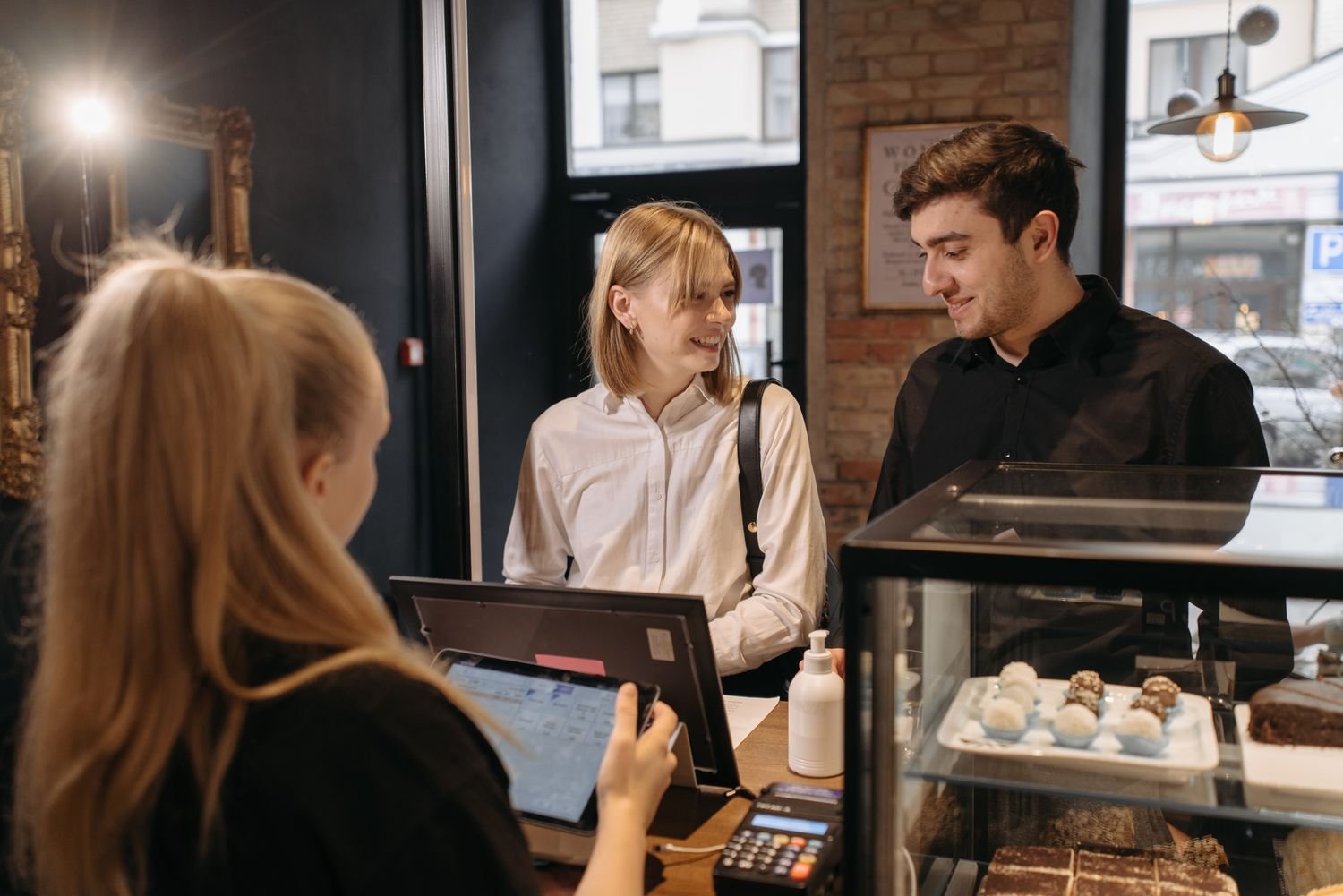
Learner: One beginner who already knows the drink names. Goal: The learner can order one drink using “Could I have …, please?” without reading the model sentence. The dialogue below gives possible answers for rehearsal. In a live lesson, respond to what the student actually says.
Make two simple slides from these sample menus. Use large labels, clear pictures, and good contrast. Read the options aloud as well. Keep one familiar drink off both slides for the final check.
| Practice menu | Role-play menu | Save for the final check |
|---|---|---|
| Small coffee · Small tea | Small hot chocolate · Small lemonade | Small orange juice |
0:00–1:00 — Set the Scene
Teacher says: “Hi, Maya. Look, we’re at a café. Here’s the menu. We have coffee and tea. Which would you like?” Point to each drink as you name it. If the student can’t see the slide, the spoken options still let them answer.
Possible student response: “Coffee.”
What this shows: The student understands the setting and can participate immediately. A one-word answer is fine at this stage. You’re establishing the context before introducing the request.
1:00–3:00 — Model One Polite Request
Teacher says: “Listen. I’m the customer: ‘Could I have a small coffee, please?’” Then ask, “What drink did I order?” After the learner answers, show the sentence and model it once more at a comfortable pace. Point to the drink words as you say them so the learner can see which part changes.
Possible student response: “A small coffee.” If they say “tea,” point to the coffee and repeat the model before asking the question again.
What this shows: The student understood the main information in the request. The listening answer does not yet tell you whether they can make their own request; that comes in the next activities.
3:00–6:00 — Guide Practice and Give One Useful Correction
Teacher says: “Your turn. Order a small tea.” Keep the model visible for this first attempt. After the student orders, hide the drink words while leaving the start of the sentence on screen. Show the coffee again and say, “Now order this one.” Give the student time to try.
Possible student response: “Could I have small coffee, please?”
Teacher feedback: “A small coffee. Try the whole request again.” Wait for the student to repeat the full request: “Could I have a small coffee, please?” If they still struggle, model the whole request once and ask them to try it with tea. If they already use the phrase accurately, skip the correction and give them another choice.
What this shows: The interviewer can see how you change the amount of help based on the student’s response. Giving the student another turn lets you check whether the cue helped.
6:00–9:00 — Let the Student Place an Order
Teacher says: “Here’s a new menu. We have hot chocolate and lemonade. Choose one. I’m the barista.” Hide the model sentence and begin: “Hi! What can I get for you?”
Possible student response: “Could I have a small lemonade, please?” Respond as the barista: “Of course. Here you go.” If time allows, invite them to choose the other drink and try another turn.
If the student pauses, give them a moment. Then point to the choices or say, “Lemonade or hot chocolate?” If you have to supply the whole request, show a different option for another attempt. Note the difference between a request they made independently and one they made after hearing the answer.
What this shows: The learner can use the language to make a choice. You can support them without taking over the exchange.
9:00–10:00 — Check the Goal and Close on Time
Teacher says: “One last order. This café has orange juice today. What can I get for you?” Show the orange juice without displaying the model sentence.
Possible student response: “Could I have a small orange juice, please?” If they say “Can I have a small orange juice, please?” the request is still polite and successful in conversation. If the employer requires the exact target phrase, acknowledge that they placed the order and ask for one more try using “Could I.”
What this shows: You have a final sample of what the student can do. If they succeeded independently, say so: “You ordered a new drink without reading the sentence.” If they still needed the model, make the feedback equally specific: “You chose the drink and made the request with help. Next time, let’s try it without the sentence on screen.”
Adapt Your Demo for a Different Time Limit or Format
What to Keep in a 5-Minute Demo and Add in a 15-Minute Demo
Keep the goal the same. Adjust the number of examples and practice turns to fit the time the employer gives you.
| Time limit | Suggested pacing |
|---|---|
| 5 minutes | 30 seconds for context, 1 minute to model, 1½ minutes for guided practice, 1 minute for an independent order, and 1 minute to check and close. |
| 10 minutes | 1 minute for context, 2 to model, 3 for guided practice, 3 for role-play, and 1 to check and close. |
| 15 minutes | 1 minute for context, 3 to model and check meaning, 4 for guided practice, 5 for two role-play turns, and 2 to check and close. |
With 15 minutes, use the second role-play to vary a detail, such as the menu or the barista’s opening question. With 5 minutes, cut the second practice round before cutting the independent attempt.
How to Record a Demo Without a Student
Give a real instruction to the camera: “Choose one drink and place your order.” Leave a brief pause, then label your model honestly: “One possible answer is, ‘Could I have a small tea, please?’” You can show how you would respond to a likely mistake, but a recording without a student demonstrates your approach, not a learning result.
Make a short test recording before filming the full lesson. Listen for background noise and check that your voice stays clear when you share the screen. Make sure the menu is readable at the viewer’s likely size, your face is lit from the front, and the recording captures the intended window. If you add captions, check the target phrase and the drink names. Play the exported file from beginning to end before submitting it.
What to Do When Your Demo Doesn’t Go to Plan
| Situation | What you could say | What to do next |
|---|---|---|
| The student stays silent | “Take a moment. Would you like coffee or tea?” | Wait, offer two choices, then invite a full request after they choose. |
| The answer is unexpected but reasonable | “A large tea? Of course.” | Continue the exchange if the meaning is clear. Correct only what matters for the task or target language. |
| Screen sharing fails | “Let’s keep going. Today we have coffee and tea. What would you like?” | Use a printed menu or say the options aloud. Keep the same lesson goal. |
| Only one minute remains | “Let’s do one final order. What can I get for you?” | Skip repeated practice, collect one independent response, and give one line of feedback. |
A Checklist for Your Final Rehearsal

Run the lesson with a timer and, if possible, ask a partner to play the student. Give them permission to pause, make a mistake, or choose a drink you weren’t expecting. When you watch the rehearsal, start with two moments: when the student first gets to speak and what they do in the final minute.
- ☐ I followed the employer’s instructions for format, time, and materials.
- ☐ I can explain the student’s goal in one sentence.
- ☐ I modeled the task before asking the student to try it.
- ☐ The student had time to think and respond.
- ☐ If I gave feedback, the student had a chance to try again.
- ☐ The slides and audio were clear, and I had a backup for screen sharing.
- ☐ I checked the goal and finished within the time limit.
Change one thing and rehearse again. For example, replace a long explanation with a quick demonstration and use the time you save for another student response. If you don’t have a partner, an AI role-play can help you practice responding to silence or an error; check any language examples it generates. If you want a person to play the student and give you feedback, Teacher’s Pet’s Demo Practice offers a way to rehearse that interaction.
FAQs
Can I Use My Own Slides if the Employer Provides Materials?
Use the supplied materials as directed and ask before adding your own. You can often create a new task with the same slide. For example, cover the model sentence and ask the student to choose a different picture and make a request. That gives you a useful check without changing the employer’s materials.
Should I Memorize My Teaching Demo Script?
Rehearse your opening, key instructions, and closing. Keep a short cue sheet with the goal and timings. Ask your practice partner to vary their answers so you get used to listening and responding instead of waiting for the line you expected.
What Should I Do if I Don’t Pass My Teaching Demo?
Ask for one specific piece of feedback, such as whether your instructions were clear or whether the student had enough time to answer. If you have a recording you’re allowed to review, find the moment the feedback refers to. Change one teaching action and practice the same segment again before planning a new lesson.
Rehearse once within the employer’s time limit. When you watch the final minute, ask yourself: Did the student get a chance to complete the task without me saying the answer first?

2 Responses